
Hi there! We're always here to help



Most searched questions
An eSIM is a digital SIM built into your phone that lets you use a data plan without inserting a physical SIM card.
Read moreYes. Install your eSIM at home while you have stable Wi-Fi. Your plan only starts counting days once the eSIM connects to a network at your destination.
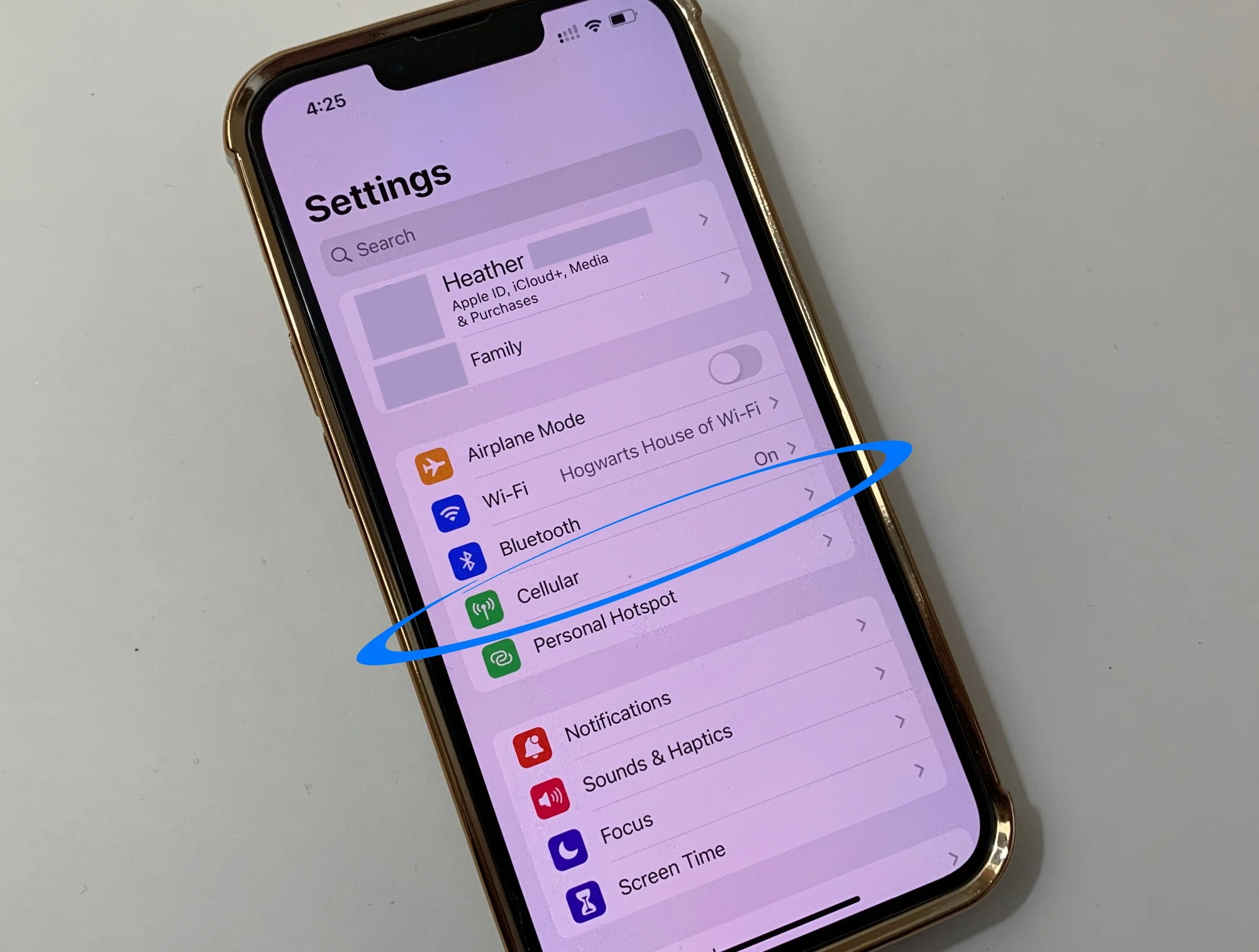
Read moreGo to Settings → Cellular → Add eSIM, choose Use QR Code and scan the QR code in your order confirmation email.
Read moreGo to Settings → Connections → SIM manager → Add eSIM, then scan the QR code in your order confirmation email.
Read moreNo. Just enter your email at checkout and we'll send the eSIM installation QR code to that address.
Read moreYou can pay by bank transfer / VietQR scan with your banking app (VND), or with PayPal in USD.
Read moreMake sure the eSIM is turned on, selected for cellular data and has data roaming enabled, then toggle Airplane Mode on and off.
Read moreCheck your Wi-Fi connection, make sure your phone supports eSIM and isn't carrier-locked, and that the QR code hasn't already been installed.
Read more
Still need help?
Our team is available 24/7 to help you.
Why smart travelers choose eSIM



Instant connection
Touch down and get high-speed data wherever you go.

No physical SIM needed
Buy your eSIM online and add it to your phone in a few taps.

Private & secure
Skip the public Wi-Fi. Use your own private 5G connection.

Save money
Data plans from just $3.49 for 7 days. Only pay for what you need!

No roaming fees
No more surprise phone bills. Use an eSIM instead.

Works wherever you go
Cross borders and hop onto local networks easily, all around the world.