
How to activate an eSIM on iPhone and iPad
Getting ready to travel? We'll walk you through the settings so your device is ready to use your travel eSIM for mobile data.
Do you want to use your primary phone number while traveling?

Want instructions for your specific phone?
Pick your device to see the detailed steps …
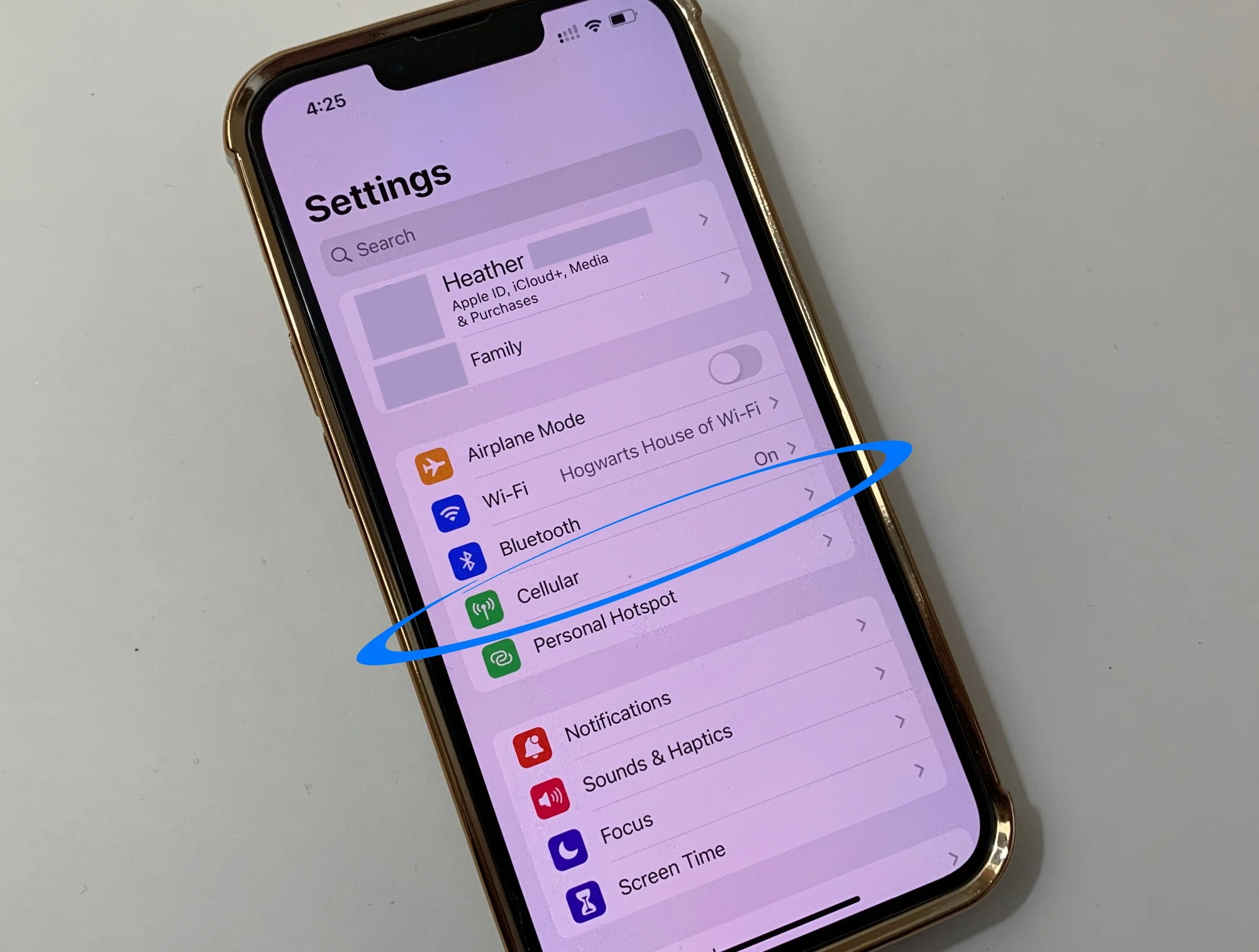
Getting ready to travel? We'll walk you through the settings so your device is ready to use your travel eSIM for mobile data.
Do you want to use your primary phone number while traveling?
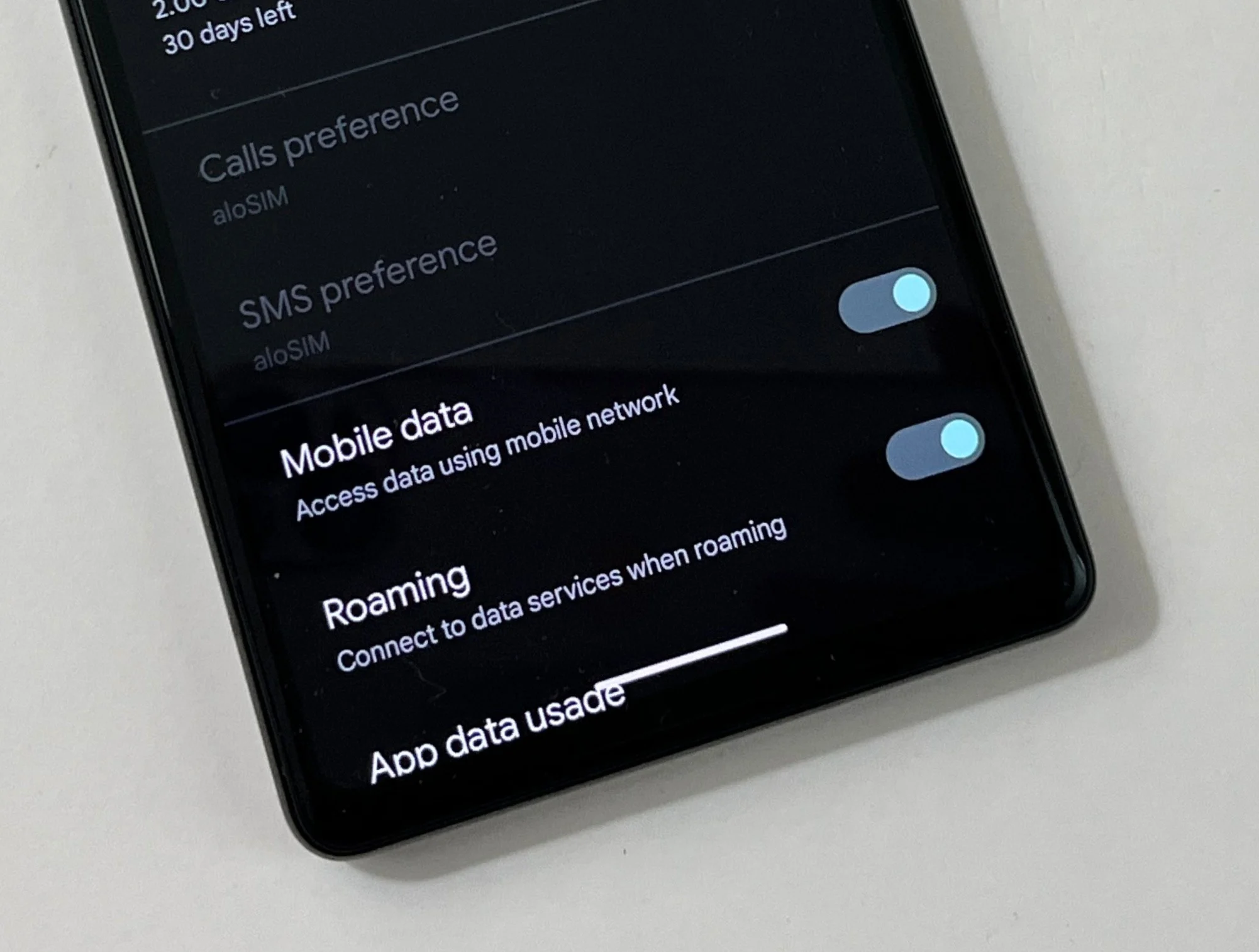
About to head off? Adjust your Google Pixel settings so it connects to a local network as soon as you arrive.
Do you want to use your primary phone number while traveling?
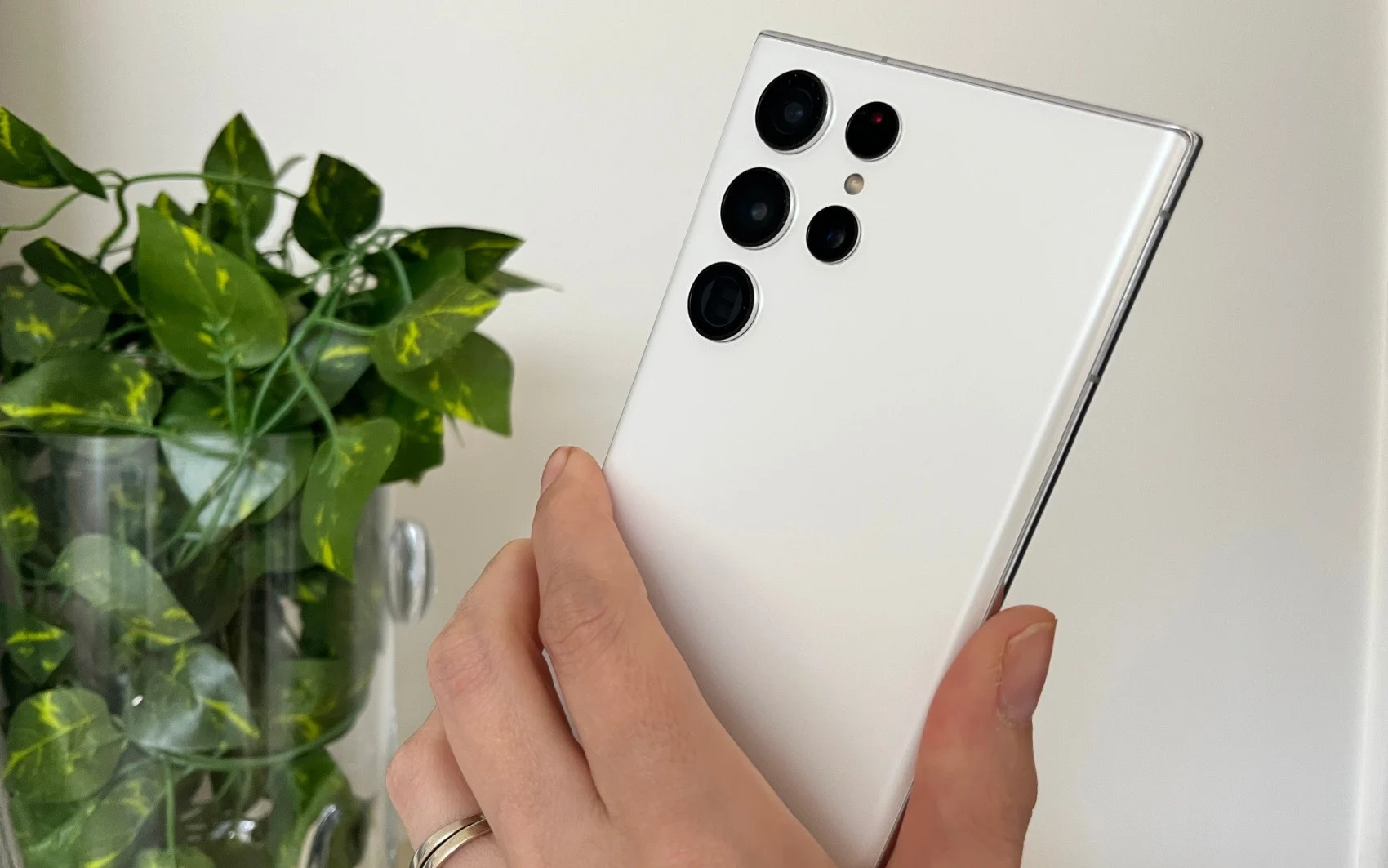
Going abroad? Let's adjust your Samsung settings so it uses your eSIM data the moment you land.
Do you want to use your primary phone number while traveling?
Just arrived?
Pick your device to start using data …
If this is your first eSIM, it may not be clear how buying a data plan, installing the eSIM and activating the plan differ. Here's the whole process.
Most newer phones and tablets support eSIM, but it's worth checking before you buy with our free device compatibility checker.
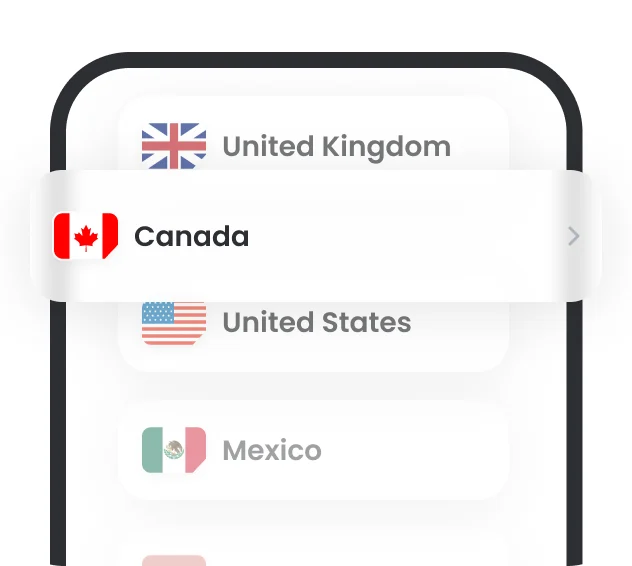
Pick your destination, number of days and data amount on touriesim.vn. Pay by VietQR bank transfer (VND) or with PayPal (USD).
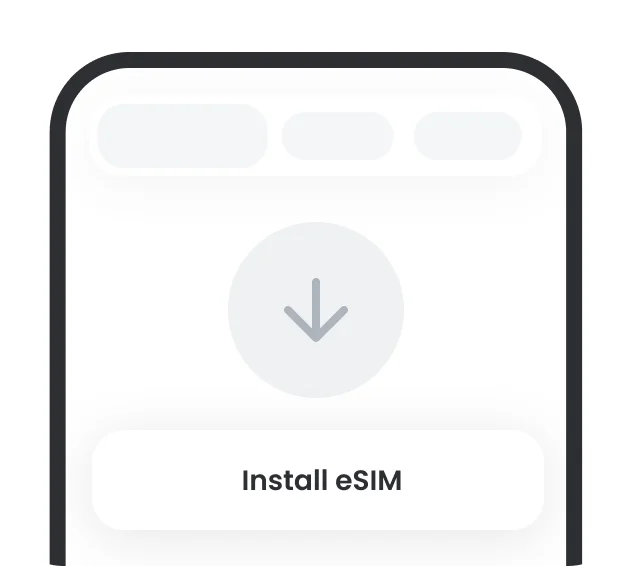
After payment, your QR code is sent by email. It only takes a few minutes to install the eSIM by scanning the QR code or entering the details manually.
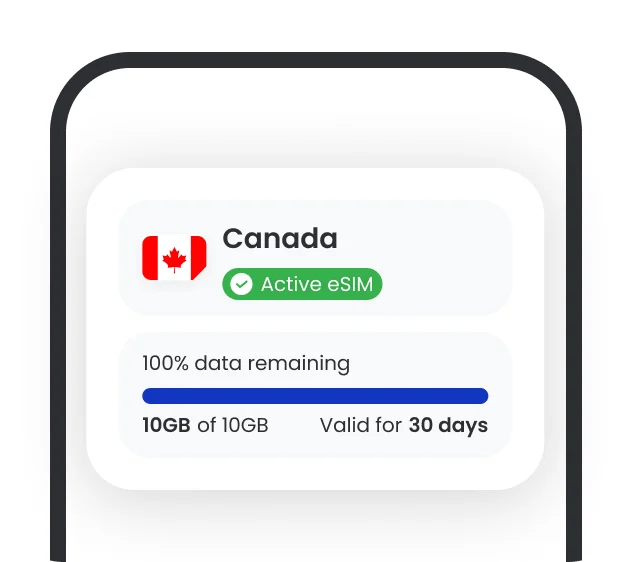
When you arrive, we walk you through activating your data plan and making sure your phone uses the eSIM for mobile data.

Activating an eSIM really means starting to use your prepaid data plan. It's not quite as simple as buying a plan, installing the eSIM and having it just work when you arrive.
Activation is the step that “tells” your phone: from now on, use this eSIM for mobile data and allow it to roam onto local networks.
Your data plan only works once you've arrived at your destination, because the eSIM needs to connect to a local network. For example, a France eSIM only works once you're in France.
Review the activation steps before you leave so your phone is ready, and so you avoid roaming charges on your main SIM.
No. Activating your eSIM data plan doesn't require Wi-Fi or data.
The eSIM just needs to be installed correctly on your phone. Activation simply means adjusting your settings so your phone uses the eSIM for mobile data and allows data roaming.
Yes. You can install and activate an eSIM at any time, even when you're already abroad, as long as you have Wi-Fi to install it. Your data plan starts counting from the moment the eSIM connects to a network at your destination.
TouriESIM has prepaid eSIM plans for 200+ countries
Have questions about activating your eSIM?
Our customer care team is available 24/7 by email at hello@touriesim.vn and by hotline at 0372140949.



Instant connection
Touch down and get high-speed data wherever you go.

No physical SIM needed
Buy your eSIM online and add it to your phone in a few taps.

Private & secure
Skip the public Wi-Fi. Use your own private 5G connection.

Save money
Data plans from just $3.49 for 7 days. Only pay for what you need!

No roaming fees
No more surprise phone bills. Use an eSIM instead.

Works wherever you go
Cross borders and hop onto local networks easily, all around the world.
How to use your eSIM
An interactive, easy-to-follow guide from TouriESIM